Connect Stripe Store to Numeral
Last updated: January 24, 2025
You can always add a new store connection in your Numeral dashboard under Settings > Connections.
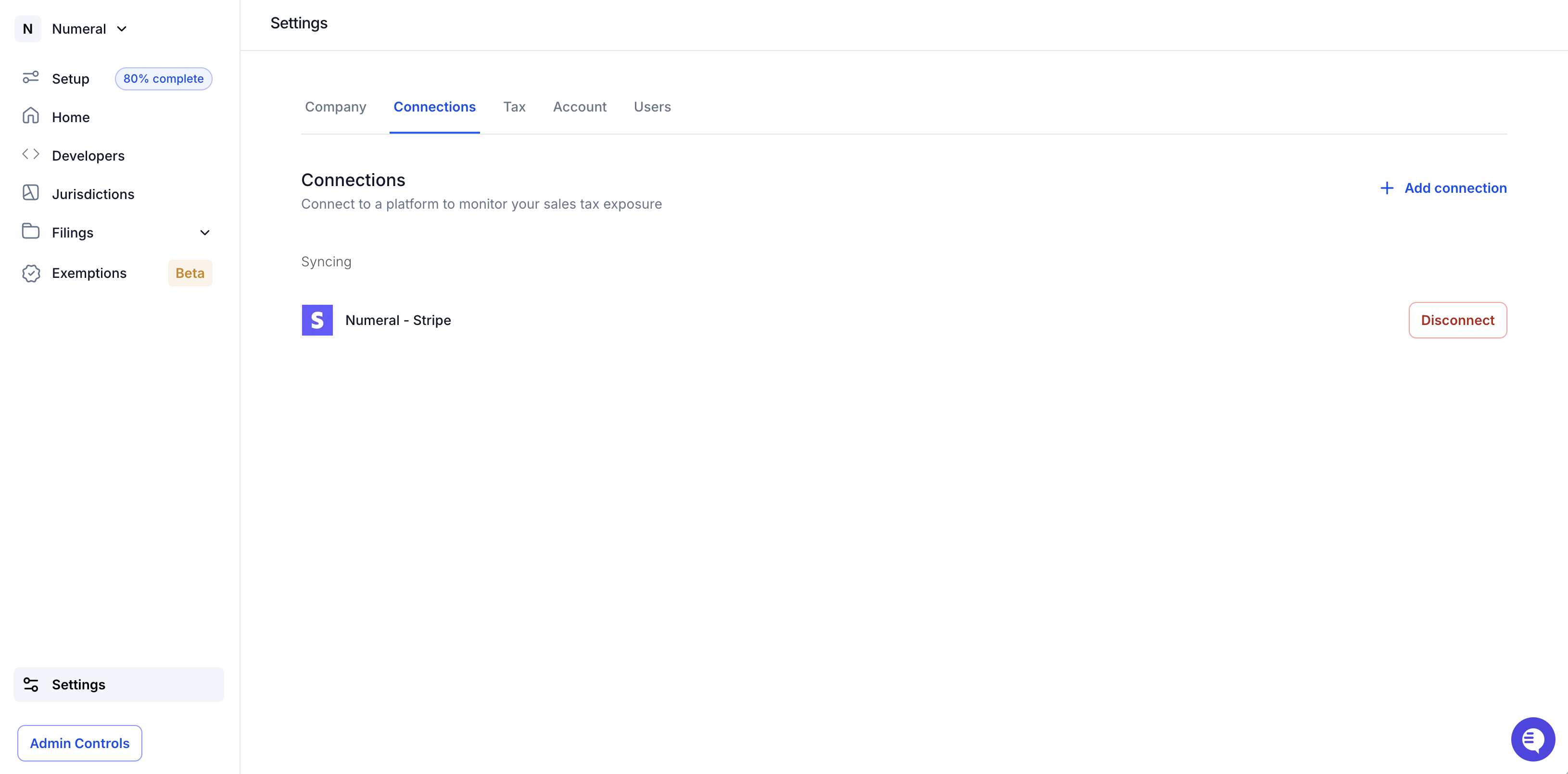
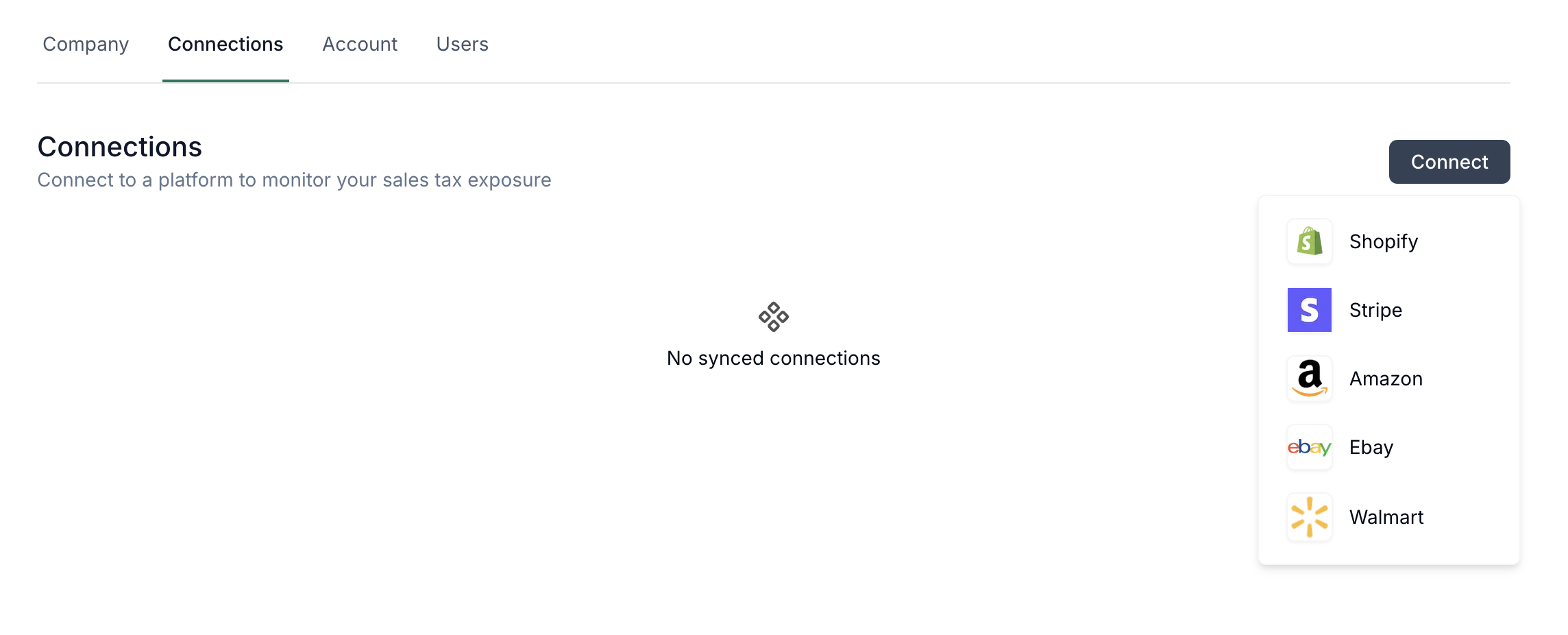
Click “Add Connection” on the right hand side of the screen, and select “Stripe”
In the modal, click “Go to Stripe”
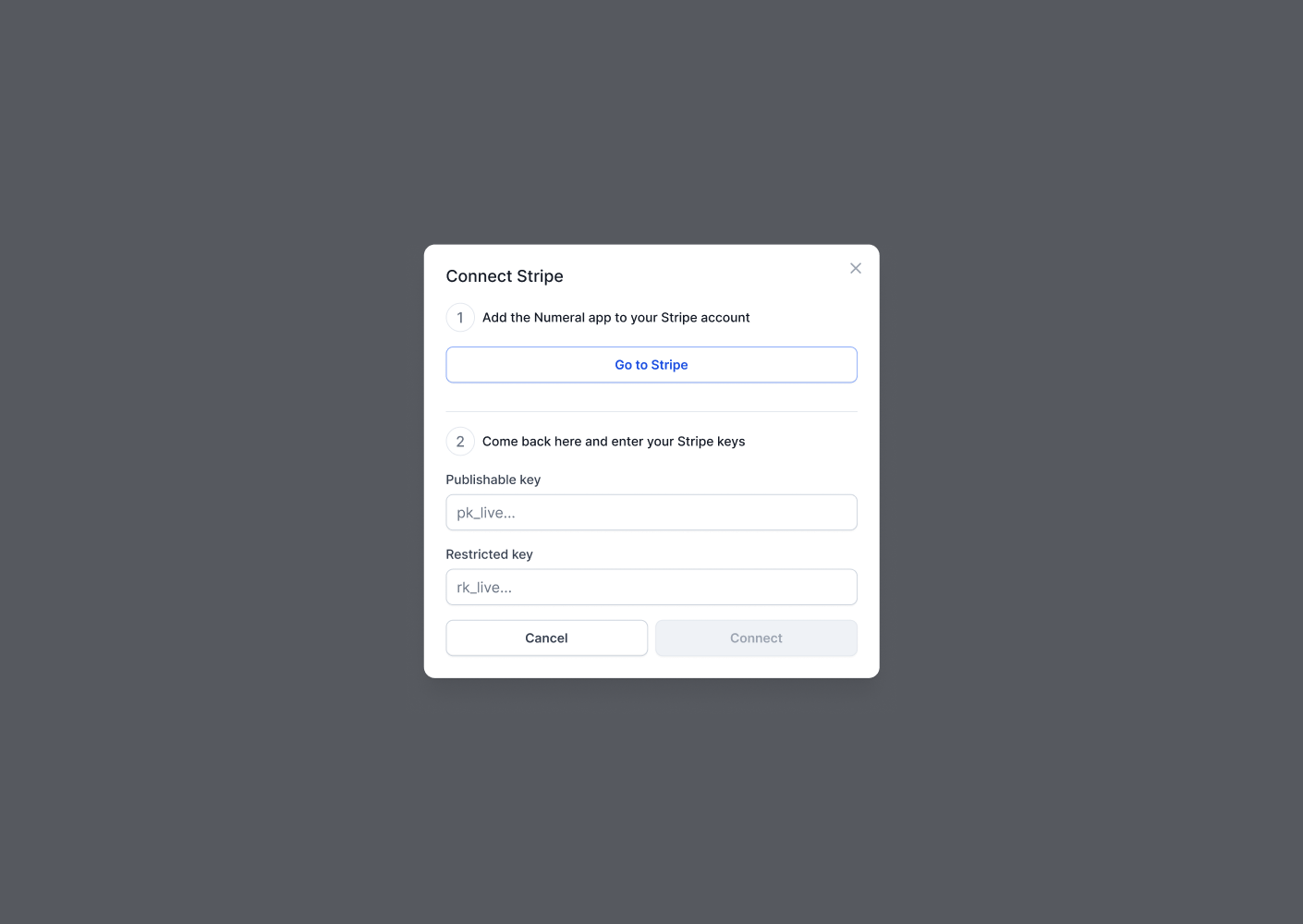
A new tab will open, prompting you to Login to Stripe. You’ll automatically install the Numeral app, and see the following modal.
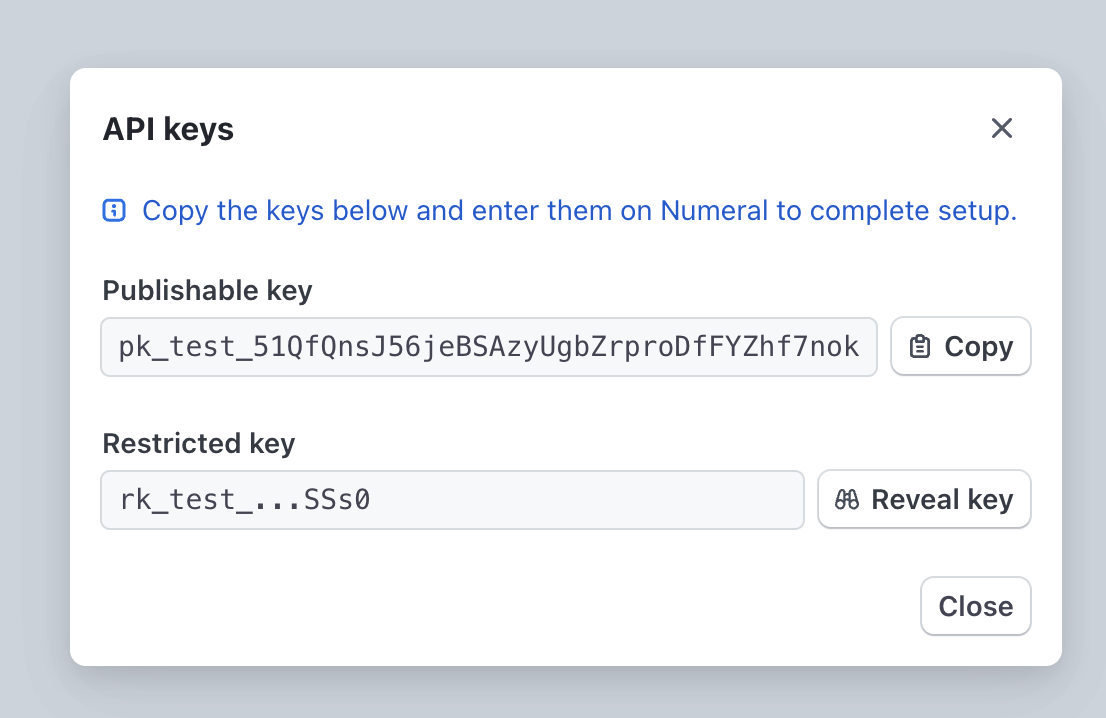
Copy over both keys to the Numeral dashboard. Make sure to click “Reveal key” on the Restricted key before copying it over.
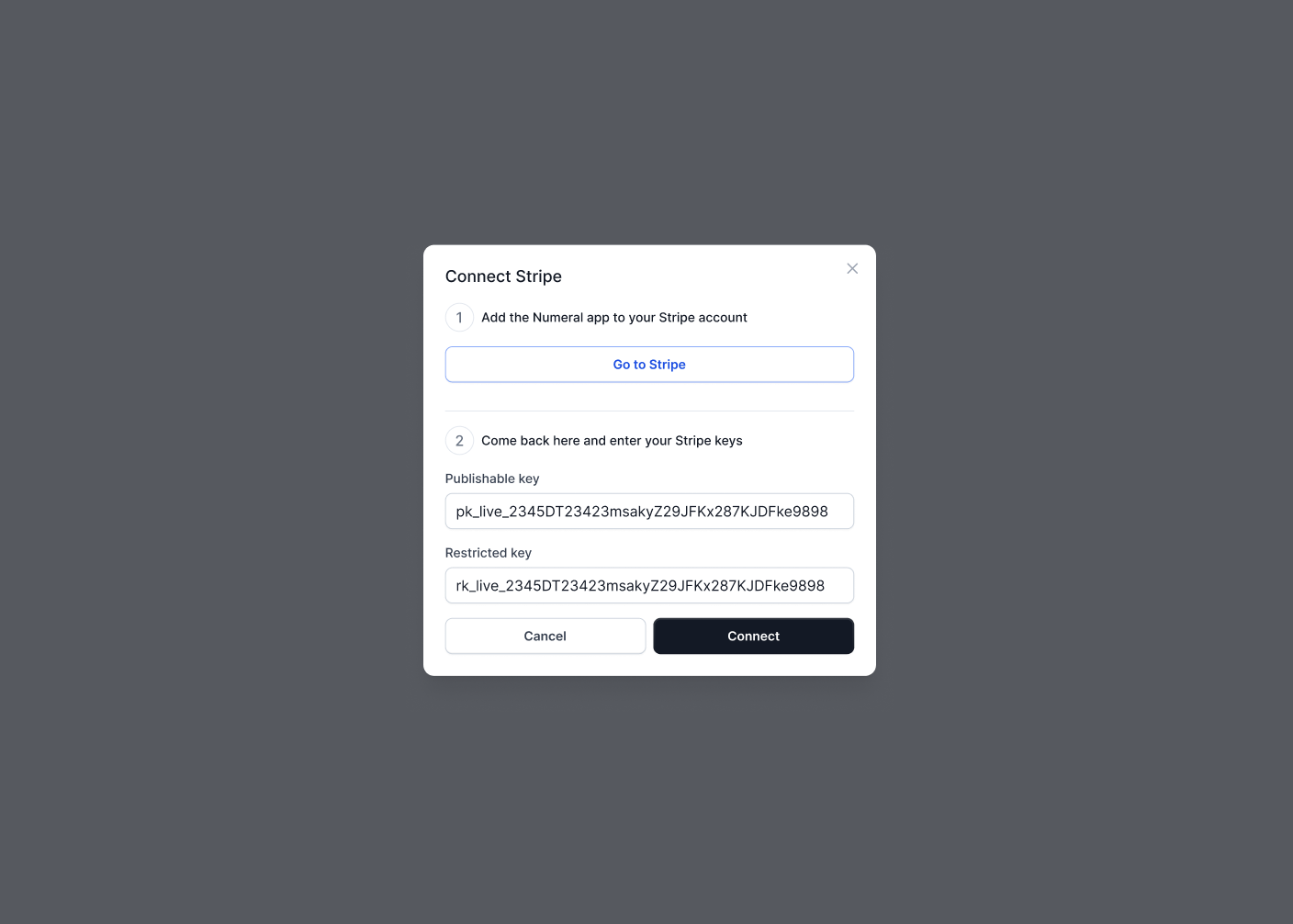
Finish by clicking Connect
Numeral will begin to sync down your historical Stripe data and prepare a new nexus study to monitor your sales tax exposure.
Furthermore, you can now turn on tax collection for Stripe Billing, and Numeral will populate your invoices with accurate tax charges.